Hello, world
Posted
·2 min readThis is the first post on the gly.cz blog.
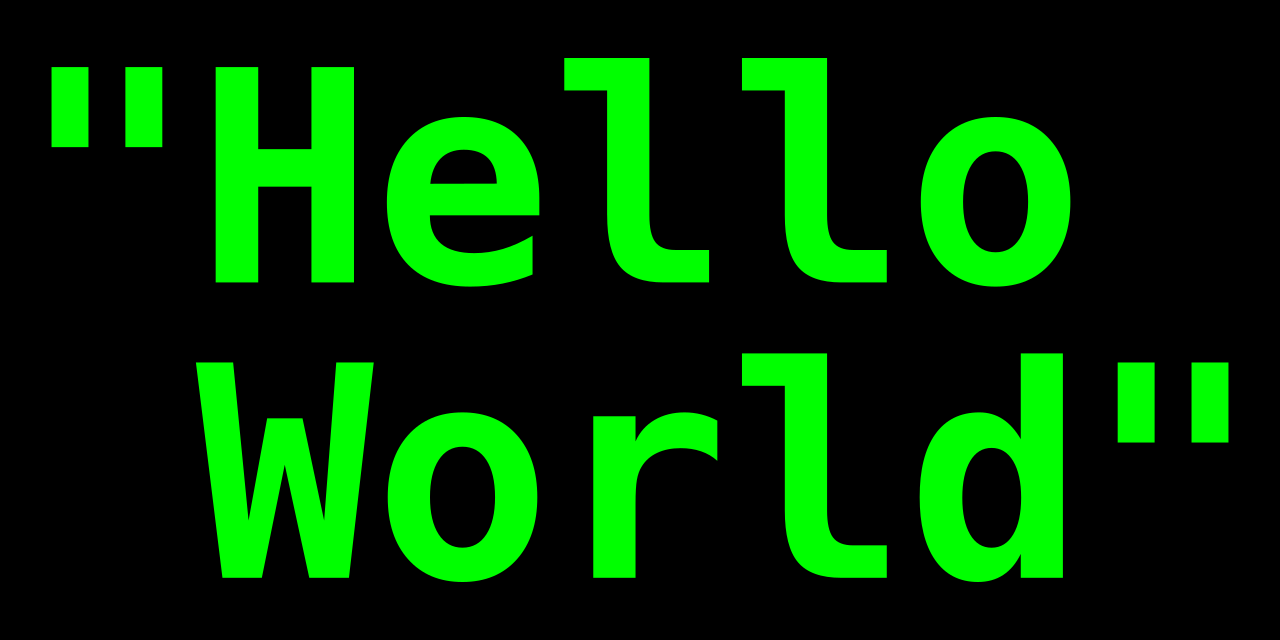
Welcome to the gly.cz blog. Posts here are written in Markdown and turned into static HTML by Eleventy.
Writing a post
Add a Markdown file to src/blog with a title, description, and date in its front matter:
12345678
---
title: A post title
description: A short summary.
date: 2026-07-22
author: hangerthem
---

Your post starts here.
The surrounding layout is a React component, while Tailwind Typography styles the generated article HTML.
You can also use other code blocks in your Markdown, like this:
123
function helloWorld() {
  console.log('Hello, world!')
}
Or you can use inline code like console.log("Hello, world!") in your Markdown.
Images
You can add images to your posts by placing them in the src/assets/blog1 directory and referencing them in your Markdown:
1

It will be rendered as:
You can also use
>to add blockquotes to your posts.
| Column 1 | Column 2 | Column 3 |
|---|---|---|
| Cell 1 | Cell 2 | Cell 3 |
| Cell 4 | Cell 5 | Cell 6 |
- First item2
- Second item
- Third item
- First item
- Second item
- Third item
this is an external link
and this is an internal link
12345678
Mermaid render error: Failed to launch the browser process:  Code: 1

stderr:
Command '/usr/bin/chromium-browser' requires the chromium snap to be installed.
Please install it with:
snap install chromium

TROUBLESHOOTING: https://pptr.dev/troubleshooting
- Term 1
- Definition for term 1.
- Term 2
- Definition A for term 2.
- Definition B for term 2, on a new line.
- Task 1
- Task 2